 Furolog
呼吸ペーサー
ボックス呼吸、長く吐く呼吸、コヒーレント呼吸をApple Watchで案内。使いたいときだけ、自分で開始できます。
Furologは、アップルウォッチ(Apple Watch)で入浴を記録できるアプリです。湯に浸かった瞬間から、水温や心拍数、サウナと休憩の流れを記録。自分の過ごし方を振り返りながら、訪れた温泉もコレクションできます。
いくつ集められる?
入浴前にApple WatchでFurologを開き、開始をタップします。自動開始をオンにすれば、入水するだけです。
入水を検知して記録を開始。湯船、サウナ、休憩の流れをひとつのセッションにまとめます。
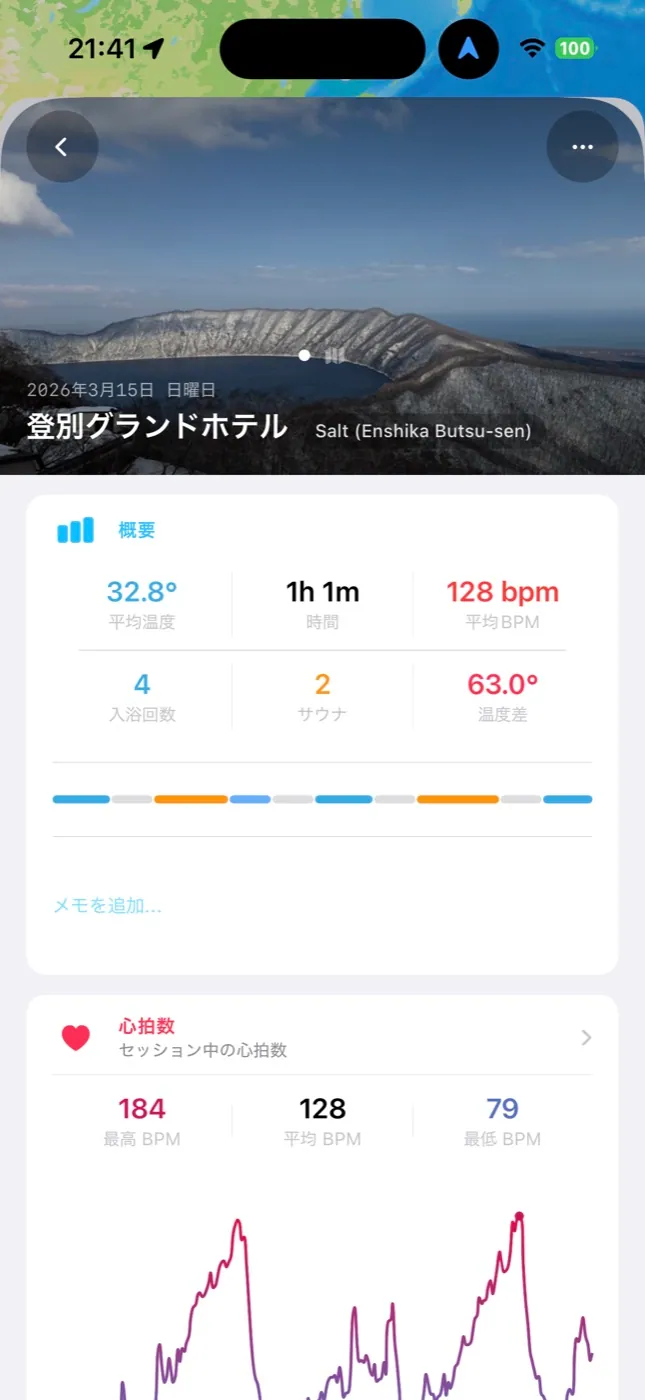
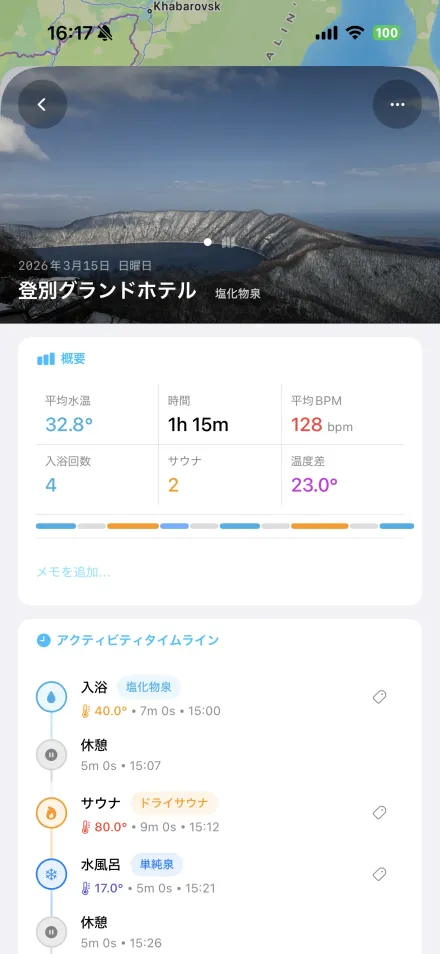
iPhoneで水温や心拍数、ラウンドごとのタイムラインを確認。写真やメモも残せます。
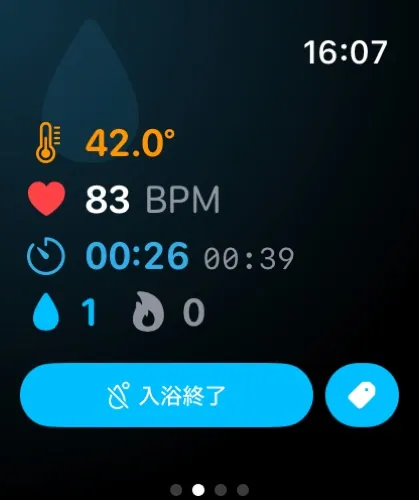
Apple Watchが入水を検知すると、セッションの記録が始まります。対応モデルでは水温を継続的に測定し、心拍数も記録。入浴、水風呂、サウナ、休憩を、センサー情報と確認操作をもとに分類します。水温センサーのないモデルでは、開始をタップしてDigital Crownで水温を入力できます。
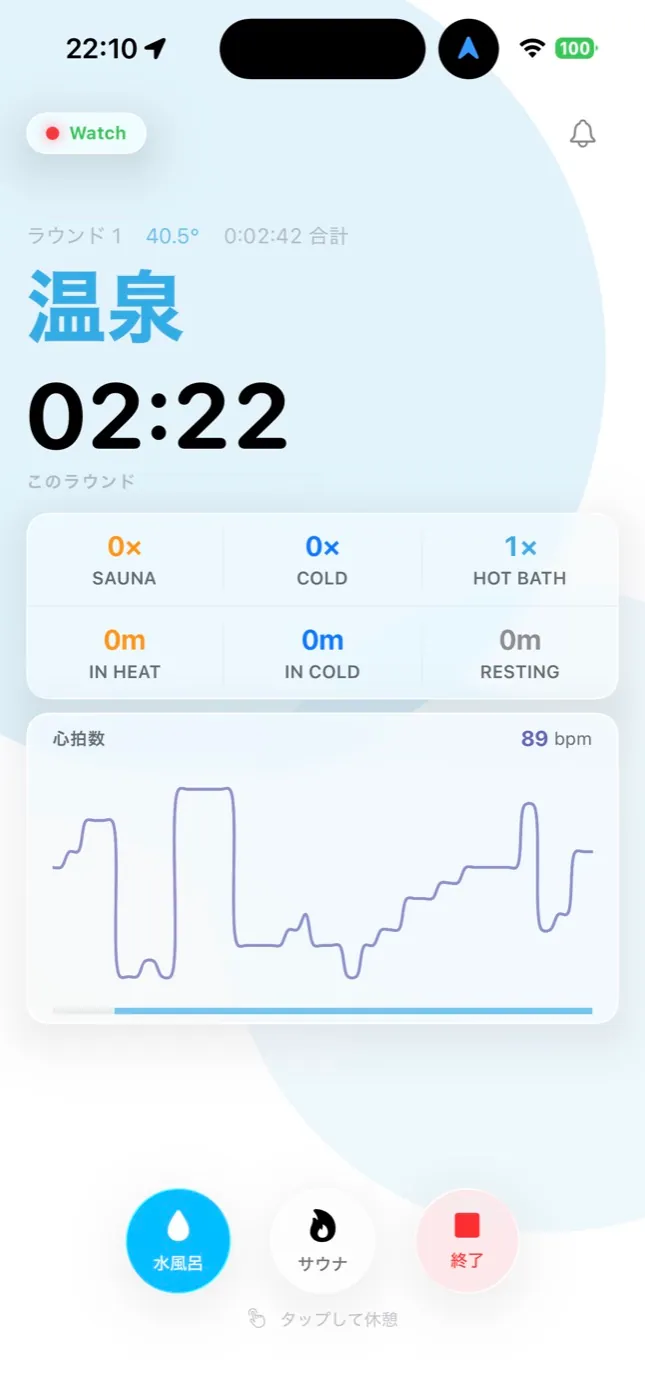
Furologは心拍予備能をもとに、設定したしきい値へ達したときや、心拍数が下がってきたときに通知します。通知は体調を確認するための目安であり、安全性や回復を保証するものではありません。
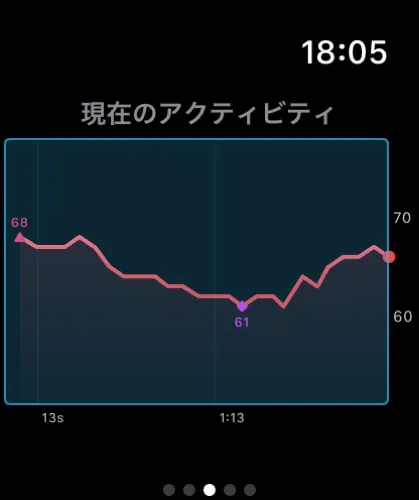
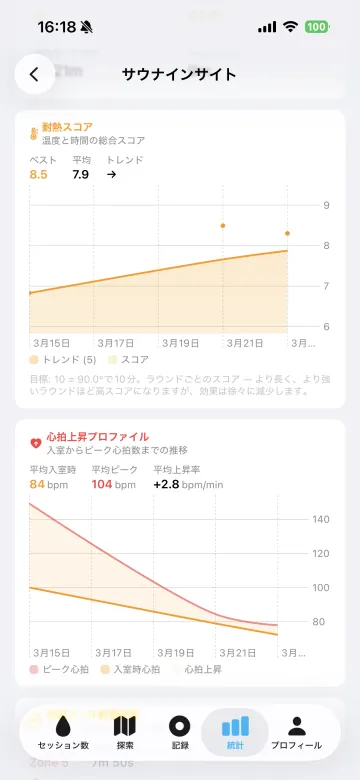
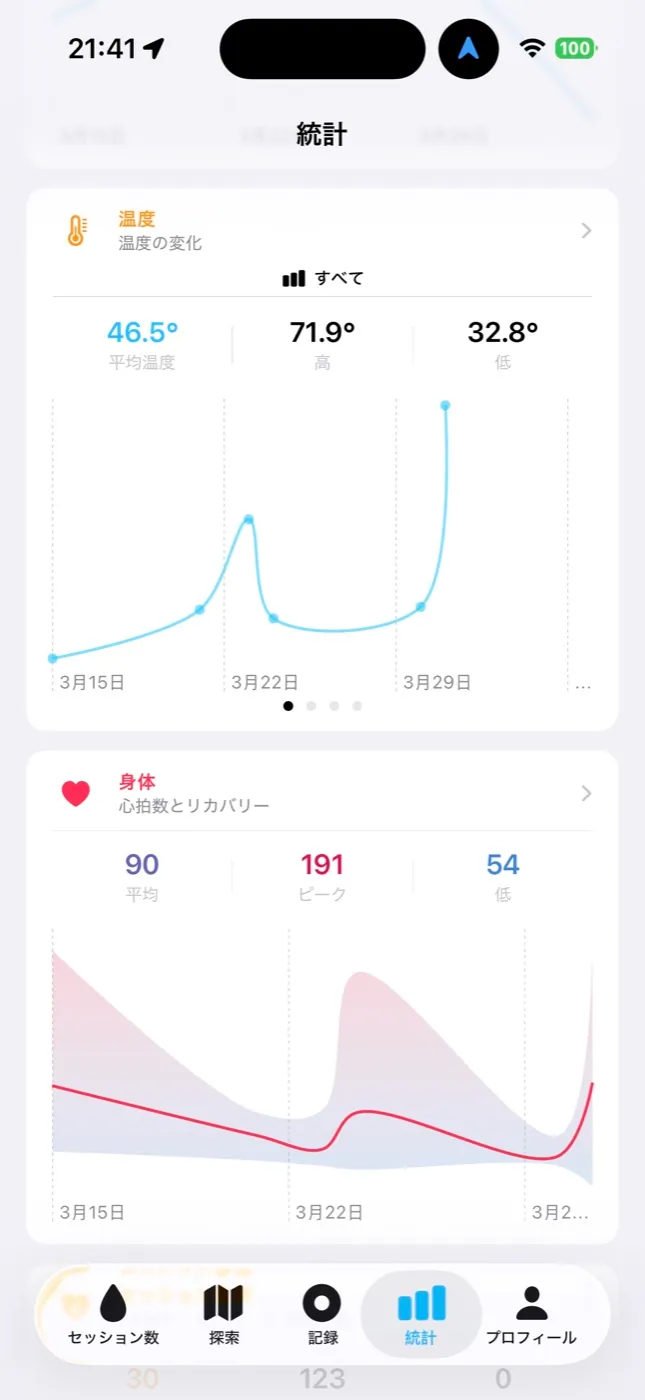
高く評価したセッションをもとに、入浴時間、時間帯、天気、お風呂の種類などの傾向を表示します。サウナのラウンドごとの心拍数の変化や、季節による違いも振り返れます。
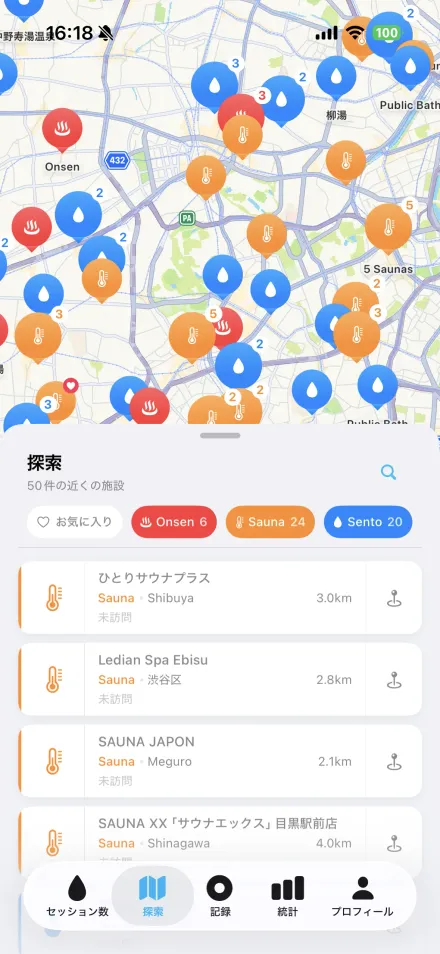
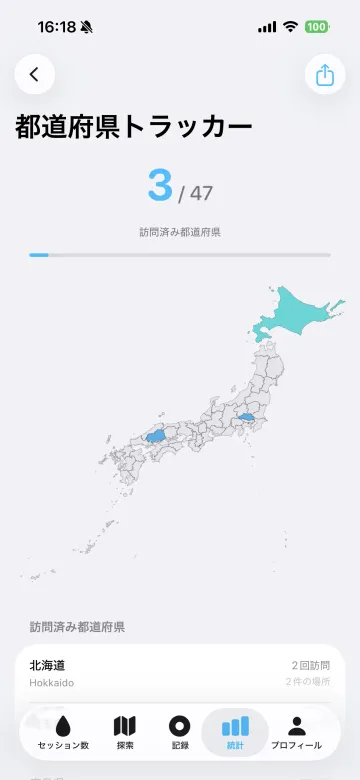
位置情報を付けて記録すると、訪れた都道府県が日本地図に増えていきます。泉質やサウナの種類もコレクション可能。ほかのFurologユーザーが匿名で共有したデータから、施設ごとの湯温の傾向も確認できます。
写真は最大10枚まで追加でき、評価やメモも残せます。場所、天気、外気温、Apple Watchの測定値はFurologが記録。同じ施設を訪れたときは、前回の名前を引き継げます。
水温や心拍数、ラウンド数をApple Watchで確認できます。終了後の評価も手首で完了。iPhoneはロッカーに置いたままで構いません。
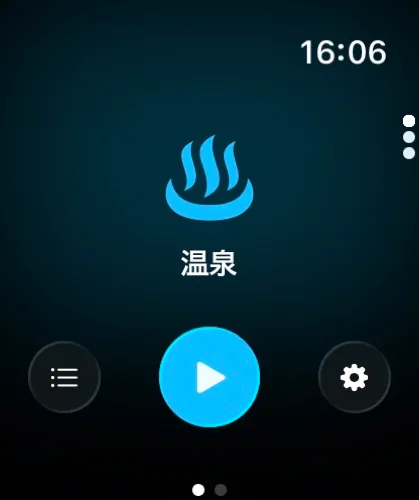
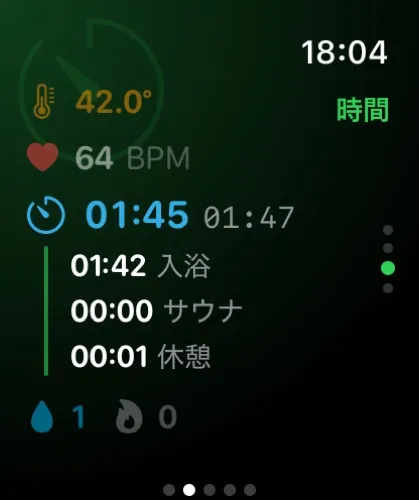
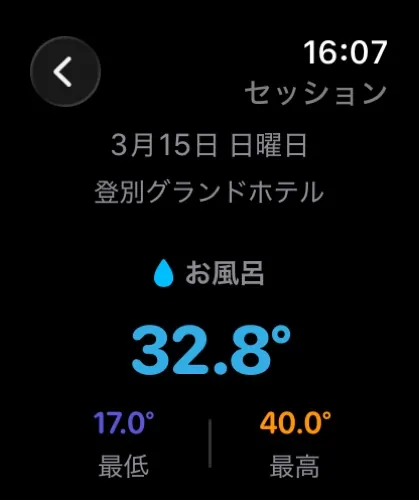
Watchの機能はすべて無料。Proは不要です。
ボックス呼吸、長く吐く呼吸、コヒーレント呼吸をApple Watchで案内。使いたいときだけ、自分で開始できます。
選んだセッションを、推定消費カロリーを含むワークアウトとして保存できます。身長、体重、安静時心拍数の読み込みにも対応します。
セッション、写真、設定を、自分のAppleデバイス間で同期できます。
Zen、ネオン銭湯、侘び寂び、昭和など。サルパルのアイコンセットはProに付属。
温度の単位と言語は、iPhoneとApple Watchの両方で切り替えられます。
記録は30秒ごとに保存。クラッシュ、電池切れ、強制終了でも失うのは最大30秒分だけ。
まずは無料で記録。詳しい傾向を見たくなったら、Proをお試しください。
水深センサー、加速度センサー、心拍数の情報を組み合わせ、入浴、水風呂、サウナ、休憩を分類します。入浴中に水温が5°C以上変化した場合は、別の浴槽として分割。退出検知は5〜30秒の範囲で調整できます。
カルボーネン法による心拍予備能を使い、初期設定では75%と50%で通知します。しきい値は変更可能。サウナ後の心拍数の推移や参考スコア、セッション別の心拍ゾーンも確認できます。医療機器として診断や安全判定を行う機能ではありません。
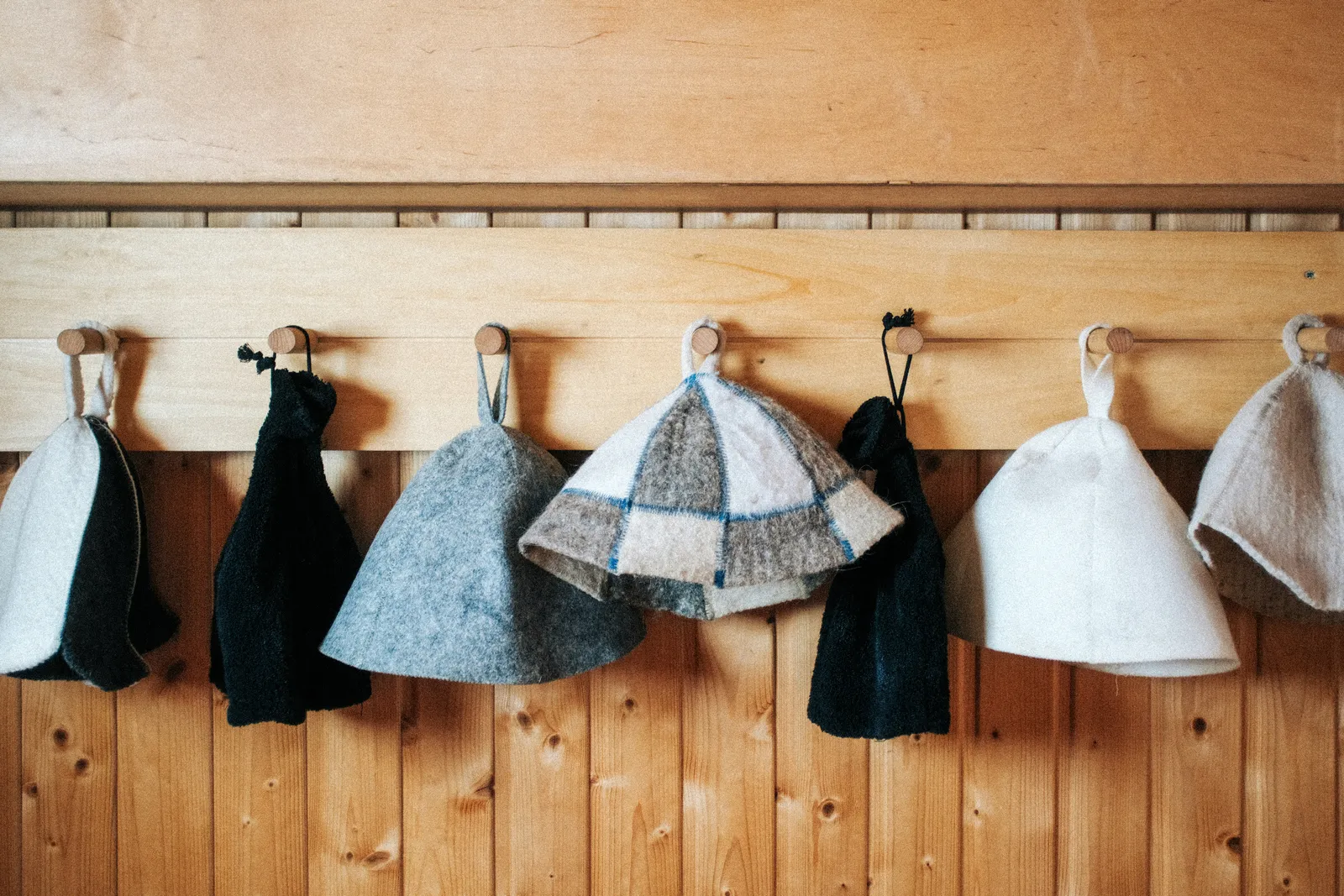
サレコ、サウナログ、サの国、サウナイキタイ、Furologの5つを、App Storeの掲載情報をもとに比較。アップルウォッチで入水を自動検知し、水温と心拍を記録し、温泉や銭湯まで残せるのはFurologだけ。Furologは私たちのアプリです。
読む →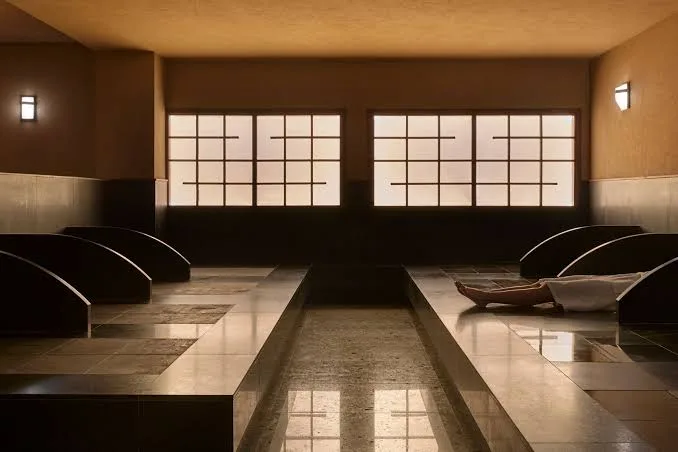
岩盤浴はサウナでも風呂でもない日本の温熱形式です。40°Cほどの部屋で、服を着たまま温めた石の上に長く横たわる。何なのか、1回の流れ、サウナと比べて心拍数に何をするか、そして時計はどう扱うか。
読む →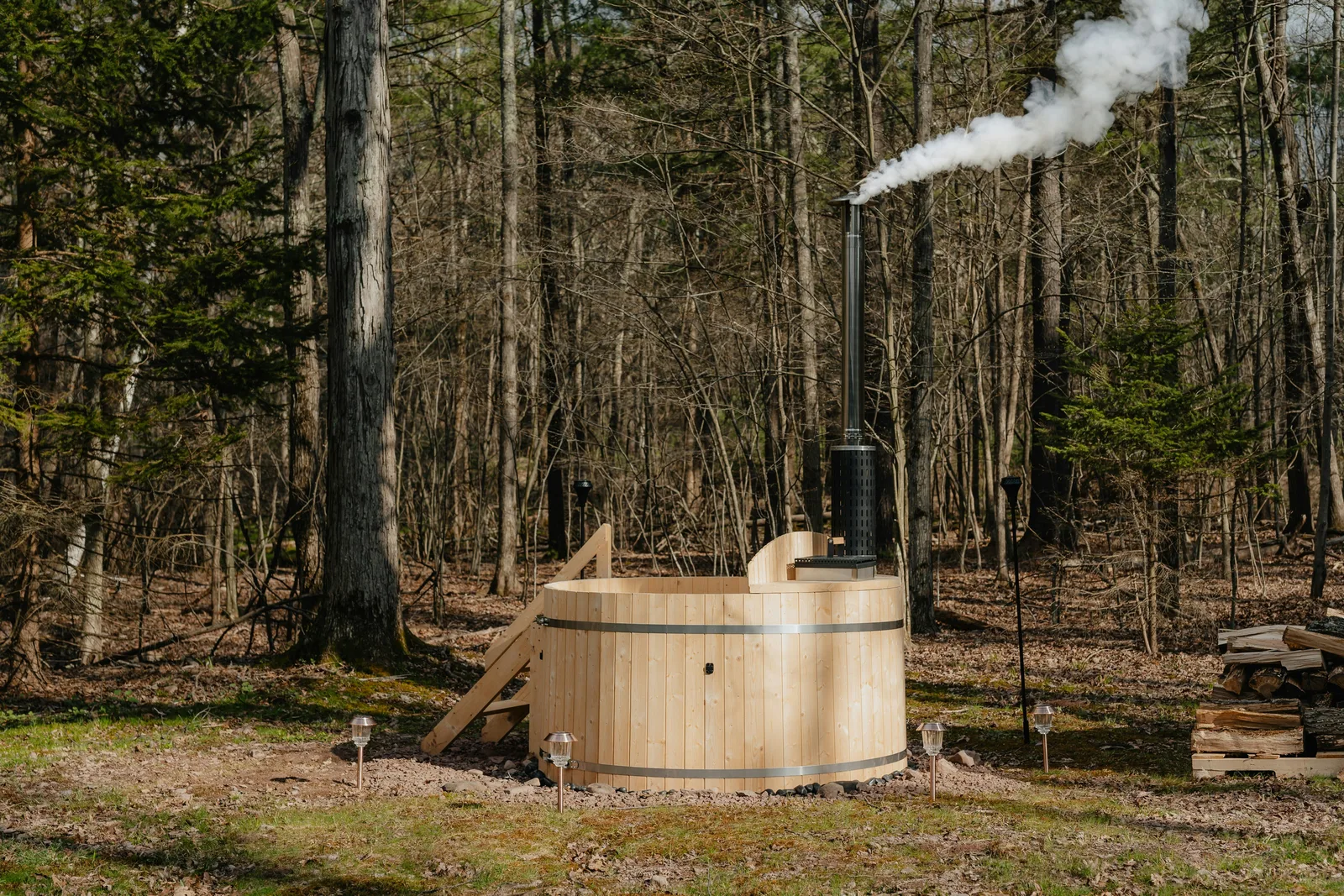
半身浴と全身浴では、湯に浸かる範囲や感じる水圧、温まり方が異なります。湯温と時間の目安、心拍数を見るときの注意点、選び方を解説します。
読む →いいえ。iPhone単体でも、水温スライダーと入浴・サウナの手動ボタンで記録できます。Watchがあれば自動検知と心拍数が加わります。Ultra 2とSeries 10以降は水温センサー搭載。Ultra 1は入水を検知し、水温はDigital Crownで入力。それ以外のWatchは手動モードで動作します。
Apple WatchでFurologを開いて「開始」をタップします。自動開始がオンなら、湯に浸かるだけでセッションが始まります。サウナへの入退室など、確認が必要な場面では手首に通知。終了後にApple Watchで評価すると、詳しい記録をiPhoneで確認できます。
Apple Watch Ultra 2とSeries 10以降には水温センサーがあり、水没中は継続的に記録します。サウナの室温はDigital Crownで入力し、統計では水温と分けて扱われます。
各セッションは入浴(25°C以上)、水風呂(25°C未満)、サウナ、休憩に分かれます。サウナは心拍数から検知して1タップで確定、または手動で開始。すべてのセッションで色分けされたフローバーとタイムラインとして表示されます。
25種類以上のチャートと35種類以上のインサイトカードで、アクティビティ、水温、時間、頻度などの傾向を詳しく確認できます。好みのセッション、お風呂やサウナの分析、心拍数の推移、自己ベスト、月別・日別の統計に加え、写真用のシェア背景、プロフィールバナー、サルパルのアプリアイコンも含まれます。
はい。記録、セッション詳細と編集、写真とメモ、基本統計、都道府県トラッカー、探索マップ、シェア機能、そしてWatchのすべての機能は無料です。
セッションはあなた自身のiCloudを通じて、あなたのデバイス間だけで同期されます。自宅やプライベートのセッションはiPhoneの外に出ません。コミュニティデータは匿名で、名前のある施設のみが対象。正確な時刻や健康データは含まれず、設定からオフにできます。
はい。セッションを「自宅」にして「浴槽」や「入浴剤」のタグをつければ、統計とストリークにカウントされ、公開データには含まれません。
ダウンロードは無料。Apple Watchの機能もすべて無料で使えます。より詳しい傾向を見たい方にはProをご用意しています。
ダウンロード App StoreiOS 26、watchOS 26に対応。Apple Watch Ultra 2、Series 10以降では水温も自動で記録できます。ほかのApple WatchやiPhone単体でも利用できます。