 Furolog
Breathing pacer
Box, long-exhale, or coherent breathing on the Watch while you soak. Optional, quiet, never automatic.
Furolog turns your Apple Watch into a journal of your bathing life. Water temperature, heart rate, and every round, recorded the moment you step in. See how your body responds, and collect every onsen you visit.
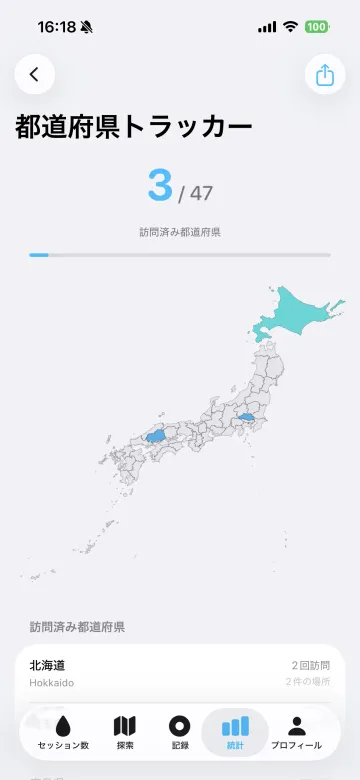
How many have you collected?
Open Furolog on Apple Watch before you undress. That's the only tap.
Submersion starts the recording. Move between baths, sauna, and rest. Furolog follows.
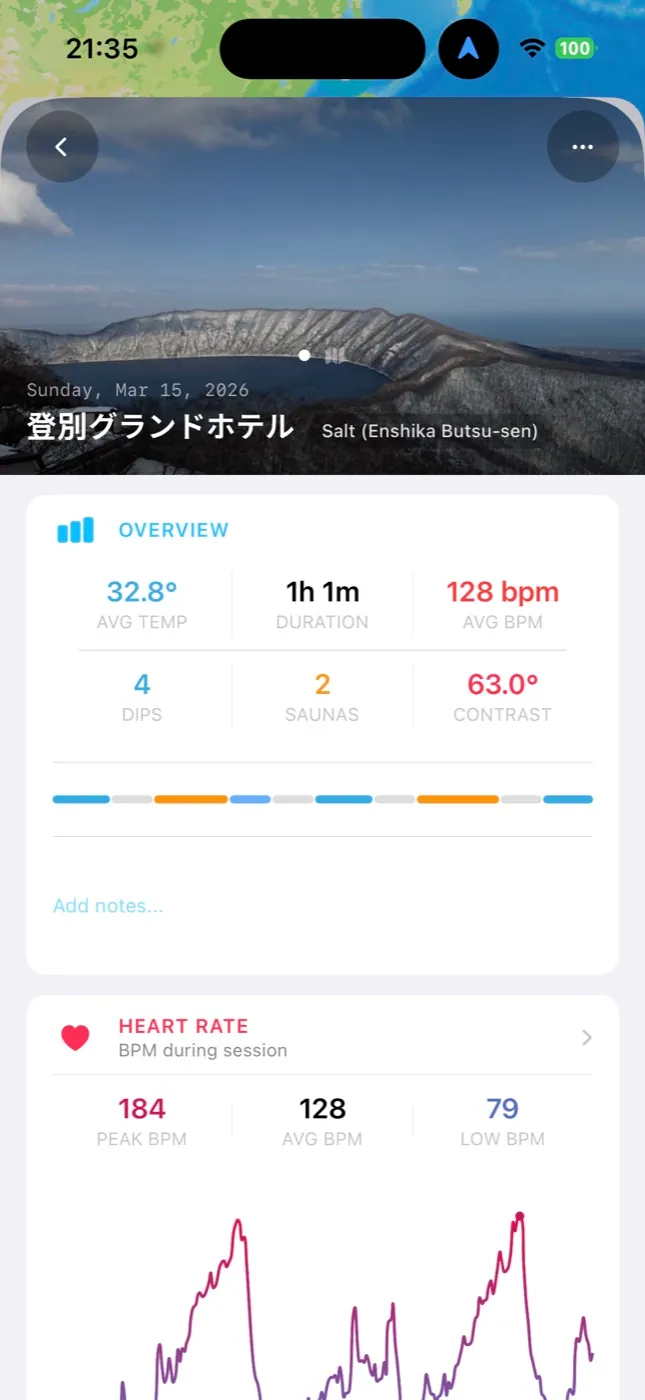
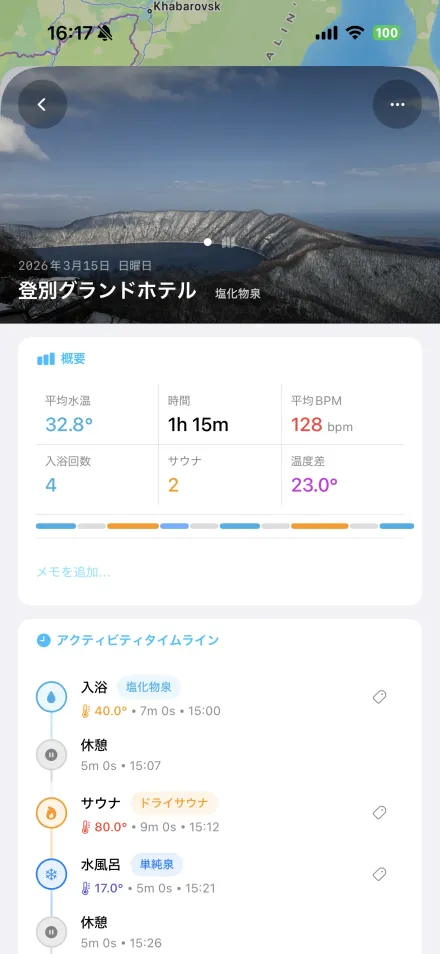
Back on your phone: the temperature curve, your heart rate, every round on a timeline. Add a photo and a note.
The submersion sensor on Apple Watch starts the recording when you enter the water. Temperature is captured continuously, heart rate throughout, and soak, cold plunge, sauna, and rest are classified as you move. On watches without the sensor, tap Start and dial the temperature in with the Digital Crown.
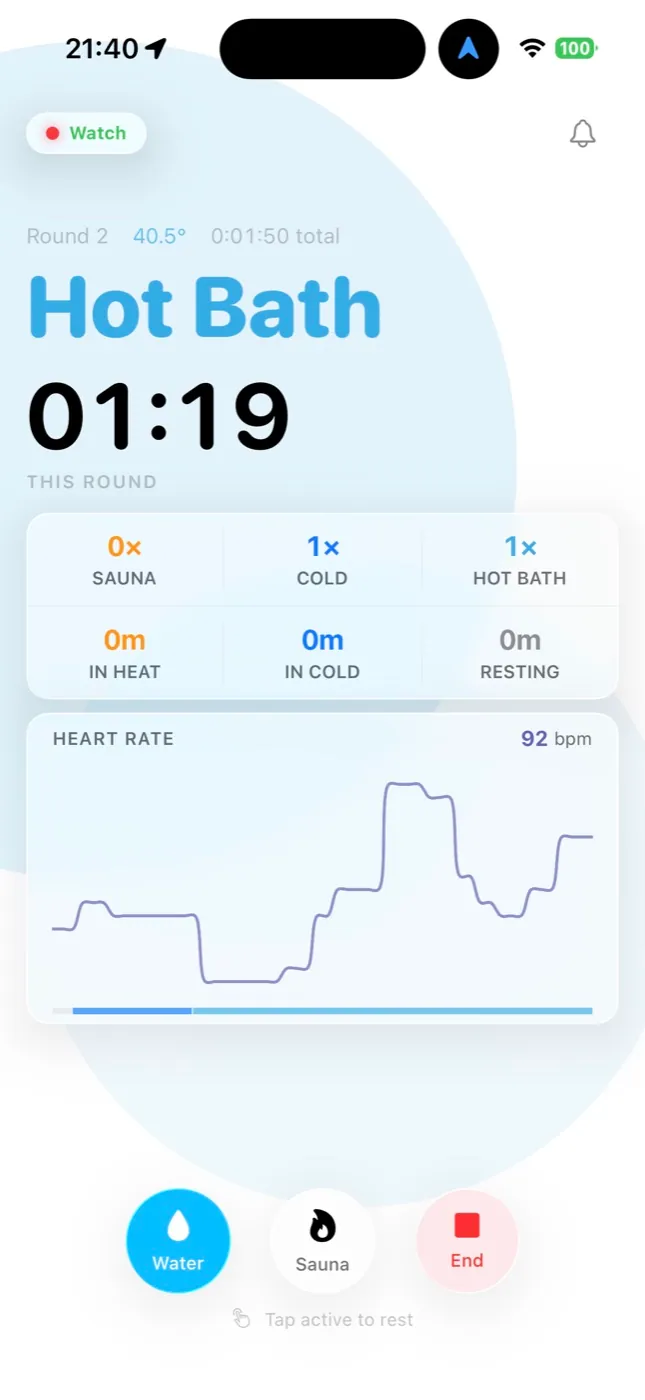
Heat is the point, and too much of it is the risk. Furolog watches your heart rate against your own reserve, tells you when to step out, and when you've recovered enough to go back in.
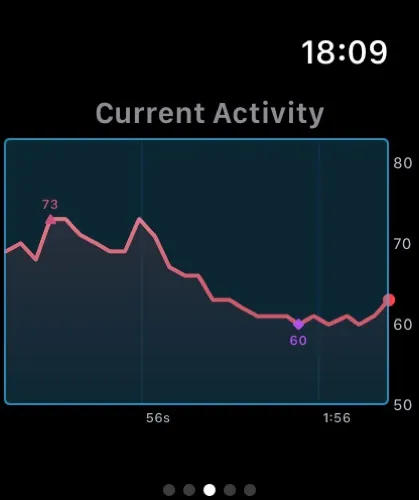
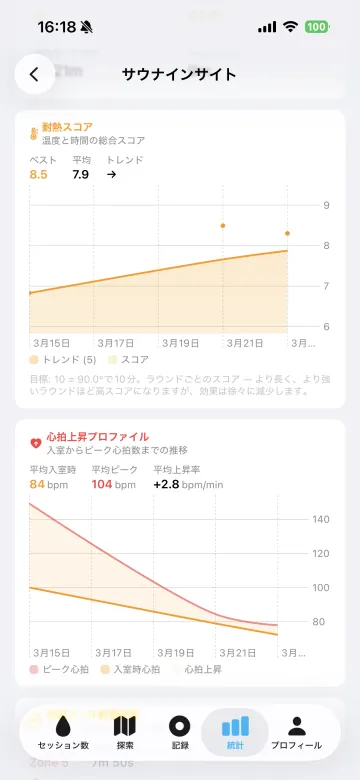
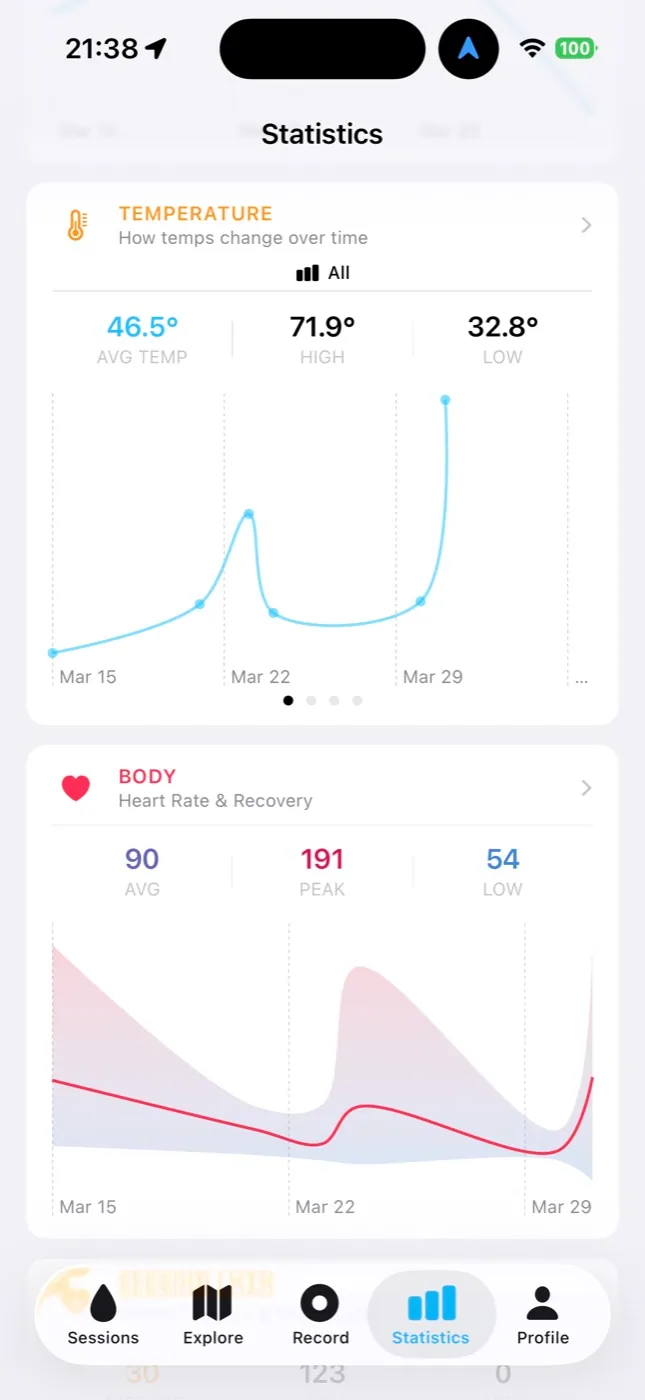
Furolog learns which length, hour, weather, and bath type you rate highest, and shows you the pattern. Alongside it: heat and cold tolerance scores, heart-rate recovery after each sauna round, and how your comfort zone shifts with the seasons.
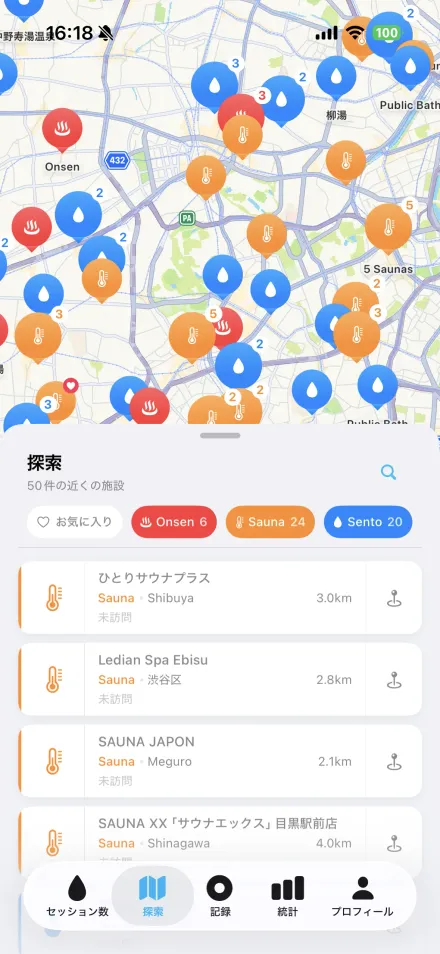
Every session with a location lights up a prefecture on your map of Japan. Spring qualities and sauna styles are collected too, from simple and sulfur to löyly and ganbanyoku. And with anonymous data from other Furolog users, you can see how hot a bath runs before you go.
Add up to ten photos, a rating, and a note. Furolog fills in the rest: the place, the weather, the outdoor temperature, and every number from your wrist. Come back to the same onsen and it remembers the name.
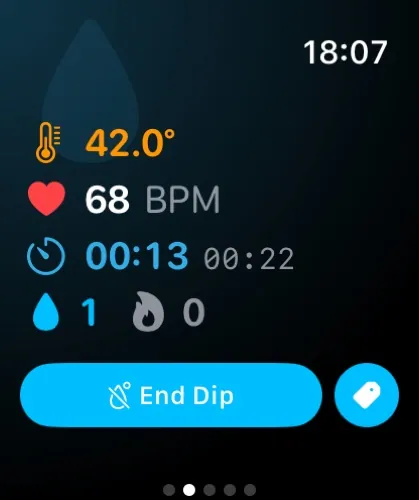
Everything you need on the wrist. Live temperature, heart rate, rounds, and a summary you can rate before you've dried off. The phone stays in the locker.
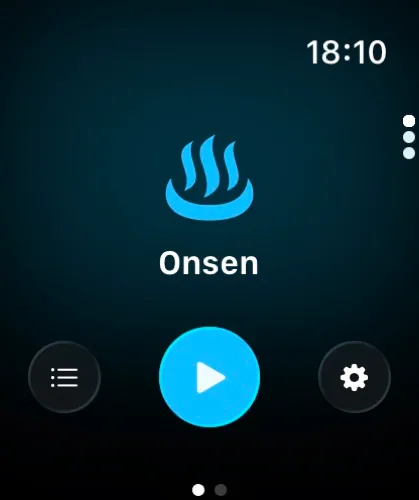
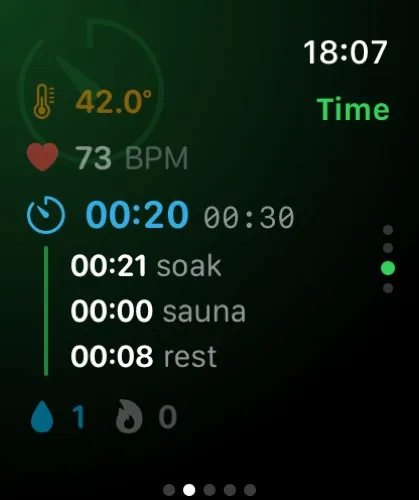
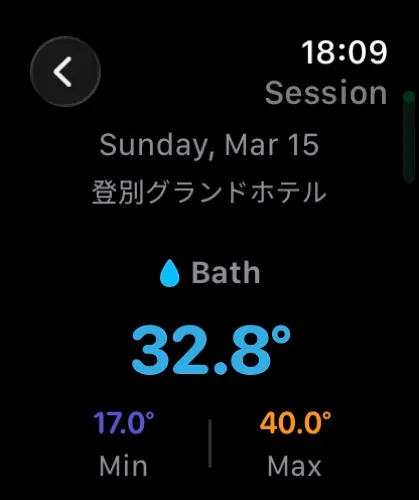
Every Watch feature is free. No Pro required.
Box, long-exhale, or coherent breathing on the Watch while you soak. Optional, quiet, never automatic.
Save any session as a workout with estimated calories. Import your height, weight, and resting heart rate.
Sessions, photos, and settings on every device. Between your devices only.
Zen, Neon Sento, Wabi-Sabi, Showa, and more. The Saru Pals icon set comes with Pro.
Every temperature and every screen in your units and your language, on both devices.
Recording is saved every 30 seconds. A crash, a dead battery, or a force-quit costs at most half a minute.
Try recording first. Pro is there when you want to see the patterns.
Submersion sensor, accelerometer, and heart rate combine to classify soaks, cold plunges, saunas, and rest. A dip splits when the temperature shifts more than 5° inside it. Exit detection is debounced and configurable from 5 to 30 seconds. Walking ends a dip; sitting still arms sauna detection.
Karvonen-based heart-rate reserve with alerts at 75% and recovery at 50%, both adjustable. Five post-sauna recovery patterns. Heat and cold tolerance scores. Per-session heart-rate zones, with a workout session keeping the sensor in high-frequency mode.
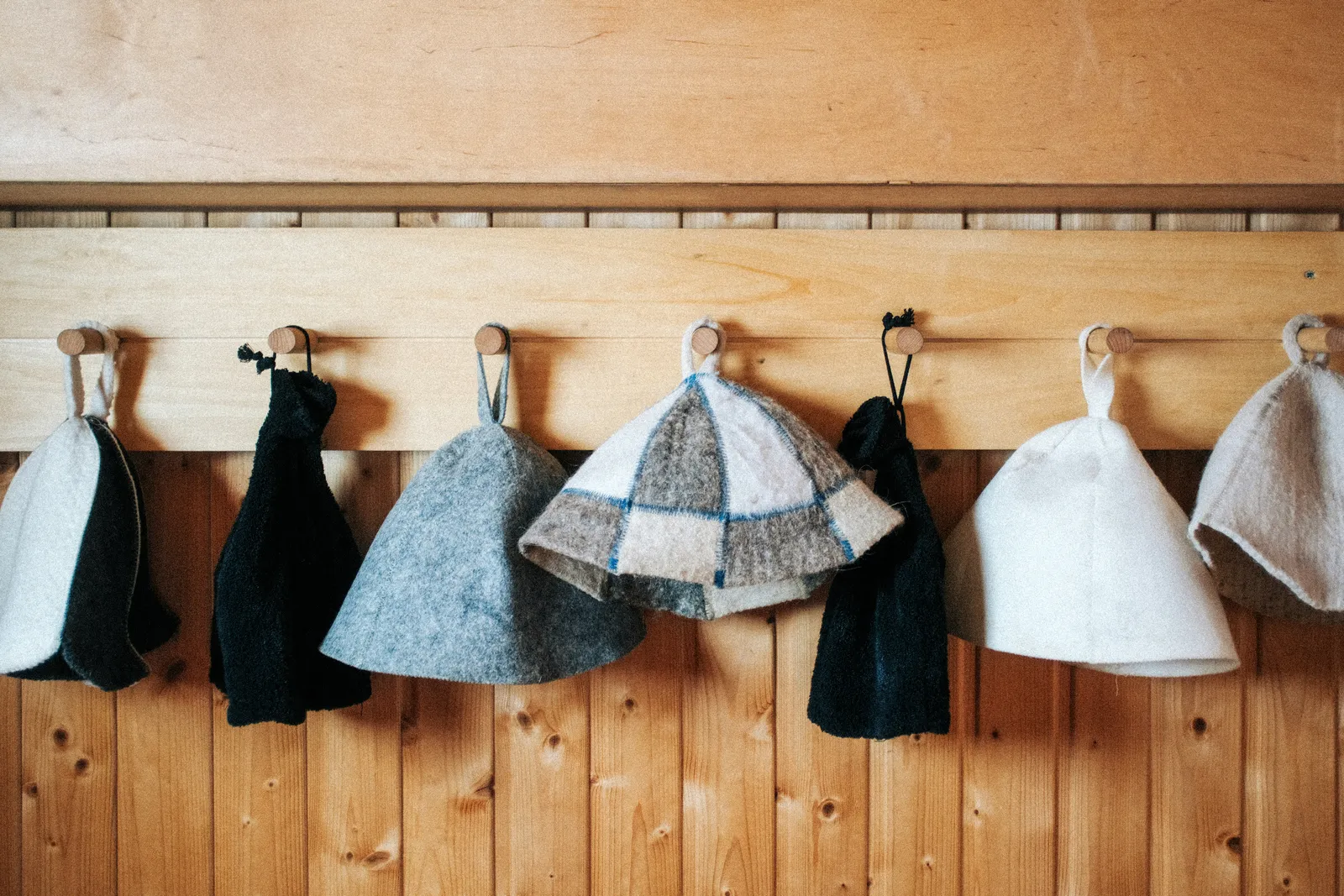
Seven apps that log sauna, cold plunge, and bath sessions from an Apple Watch, side by side. What each records on the wrist, what it costs, and why Furolog, which is ours, is the one to pick if your visit includes water as well as heat.
Read →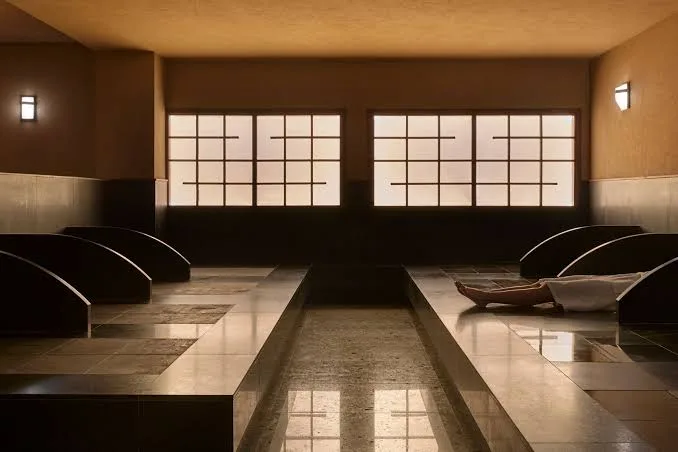
岩盤浴 is a Japanese heat format that is not a sauna and not a bath: you lie on heated stone slabs in a 40°C room, dressed, for a long time. What it is, how a session goes, what it does to heart rate compared with a sauna, and what the watch makes of it.
Read →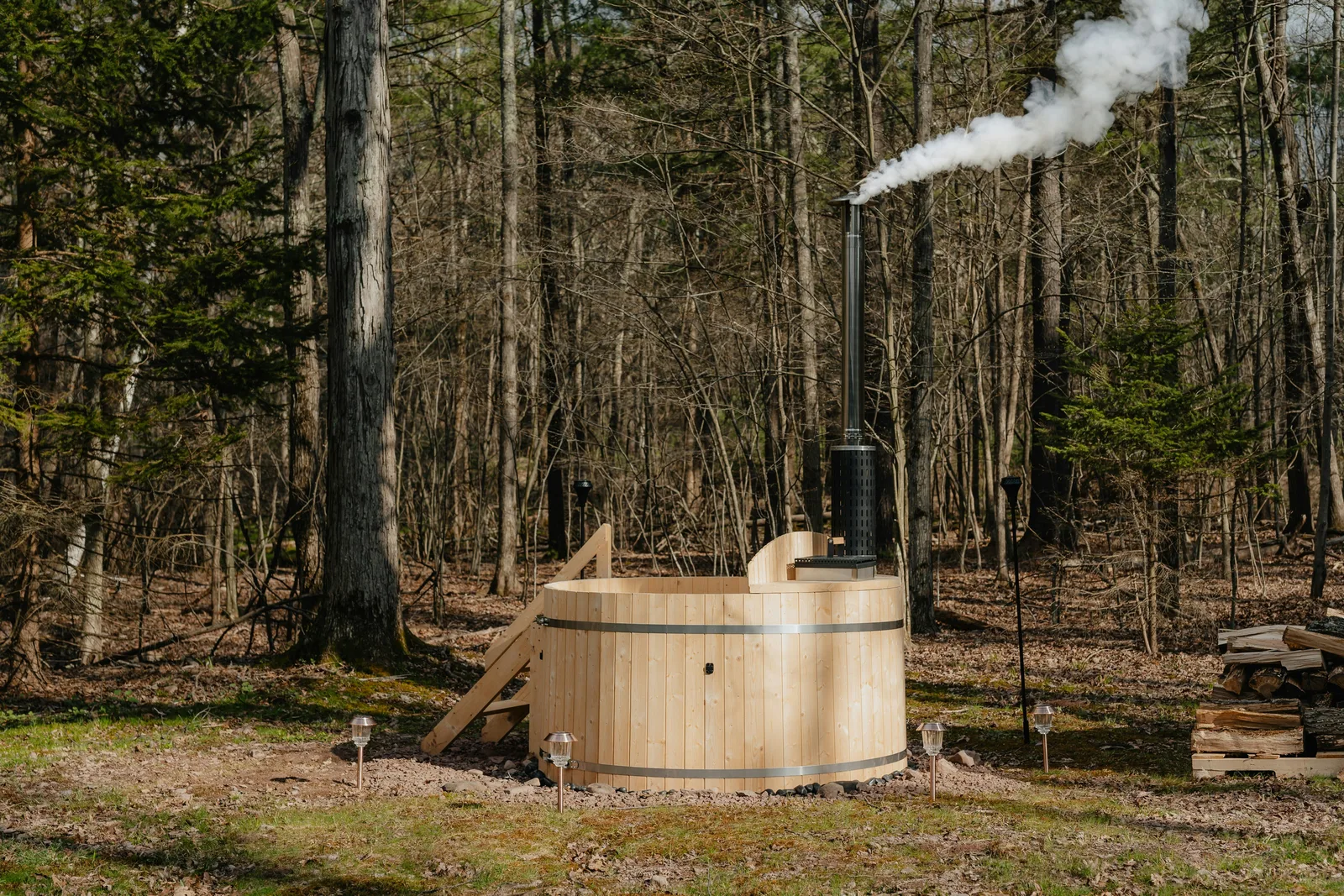
Half-body and full-body bathing differ in immersion depth, water pressure, and how quickly they feel warm. Compare practical timing, comfort, and heart-rate caveats.
Read →No. iPhone can record on its own with a temperature slider and manual dip and sauna buttons. With a Watch you get automatic detection and heart rate. Ultra 2 and Series 10 or later add the water temperature sensor. Ultra 1 detects water and takes temperature from the Digital Crown. Every other Watch works in manual mode.
Open Furolog on your Watch and tap Start, or just step in: with auto-start on, submersion begins the session. Furolog detects dips and prompts you when it thinks you've entered a sauna or left the bath. End the session from the controls page, rate it on the wrist, and the details land on your phone.
Apple Watch Ultra 2 and Series 10 or later have a water temperature sensor. Furolog records it continuously while you're submerged. Sauna air temperature is entered with the Digital Crown and kept separate from water temperature in your stats.
Sessions are divided into Soak (25 °C and above), Cold Plunge (below 25 °C), Sauna, and Rest. Saunas are detected from your heart rate and confirmed with one tap, or started manually. Every session shows them as a colour-coded flow bar and a timeline.
The deeper statistics: 25+ charts and 35+ insight cards covering activity, temperature, duration, and frequency trends, Your Perfect Session, bath and sauna insights, heart-rate recovery, personal bests, and monthly and daily stats sheets. Plus photo share backgrounds, premium profile banners, and the Saru Pals app icons.
Yes. Recording, session details and editing, photos and notes, basic stats, the prefecture tracker, the explore map, sharing, and every Watch feature are free.
Your sessions sync through your own iCloud, between your own devices. Home and private sessions never leave your phone. Community data is anonymous, covers named facilities only, drops exact times and health data, and can be switched off in Settings.
Yes. Mark a session as Home, tag it Bathtub or Bath Salts, and it counts toward your stats and streaks while staying out of the public record.
Free to download. Every Watch feature included. Pro is there when you want to see the patterns.
Download on the App StoreiOS 26 and watchOS 26. Best on Apple Watch Ultra 2 and Series 10 or later. Works on every Apple Watch.